What is BotchedHub?
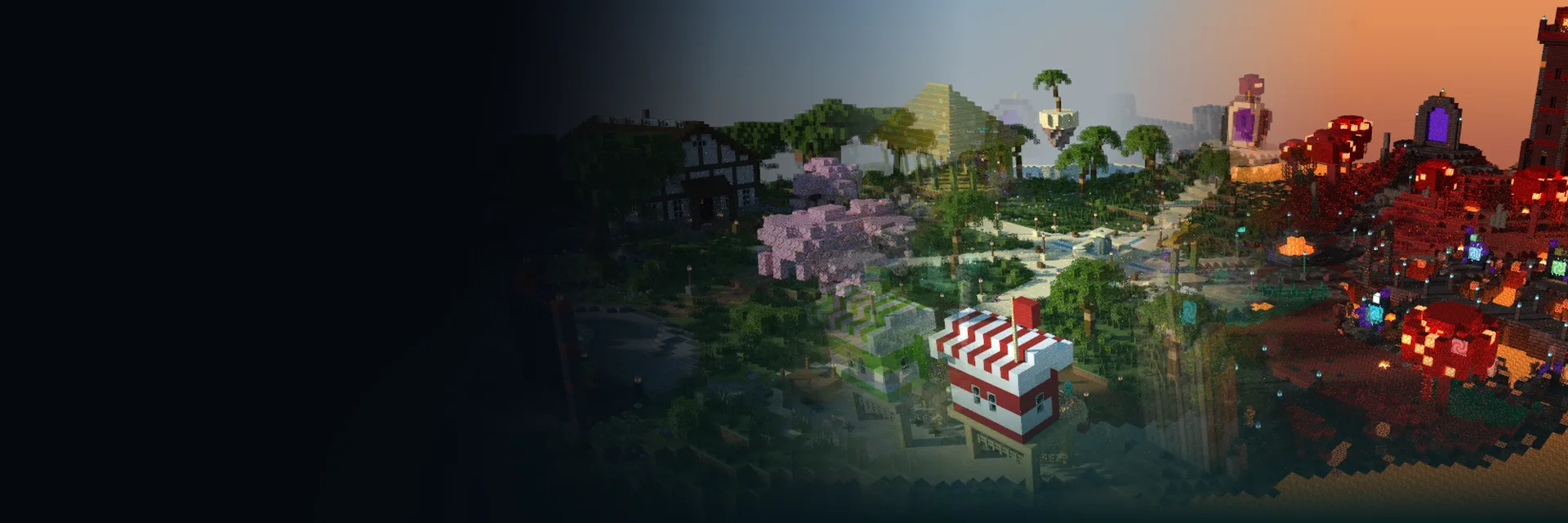
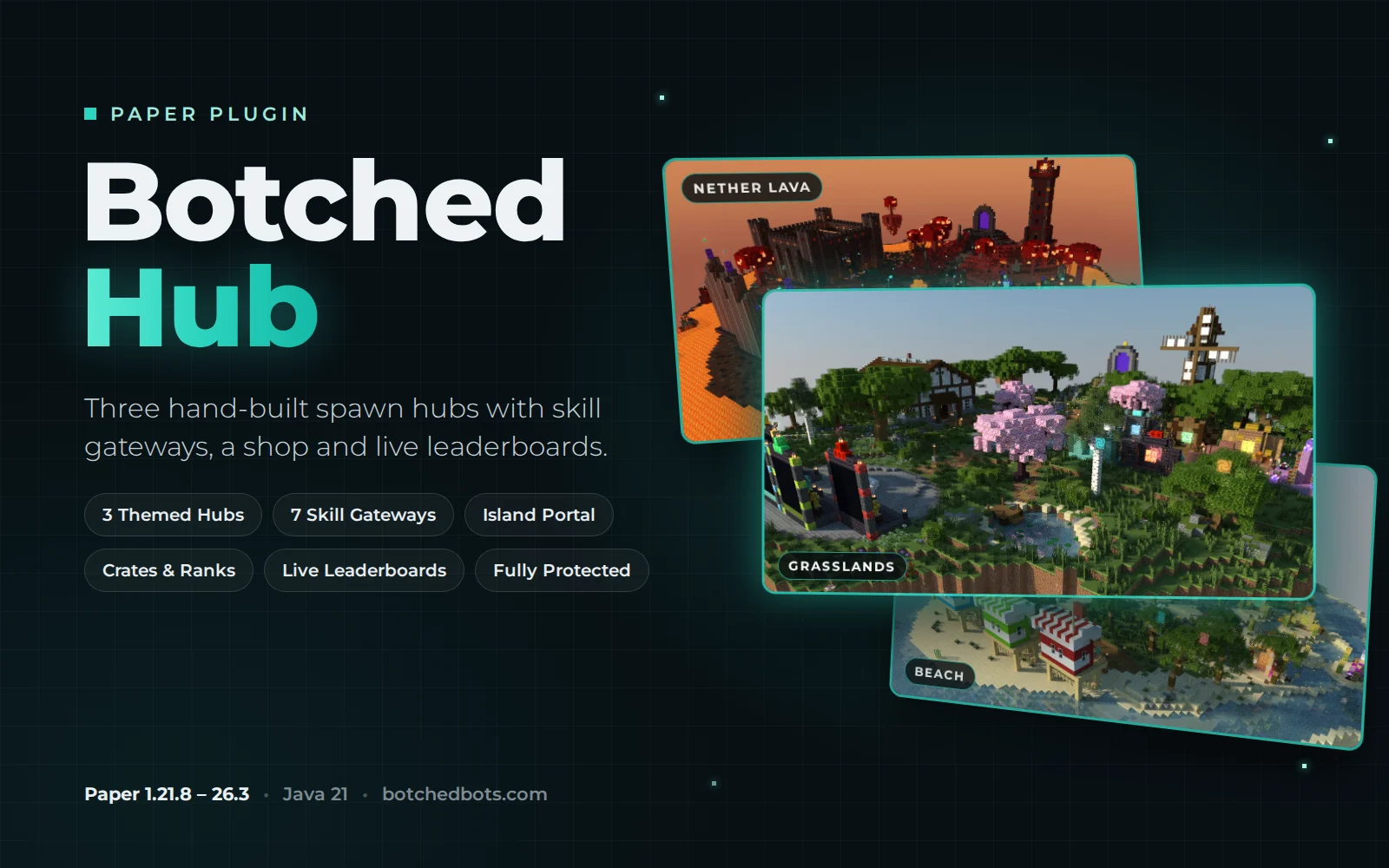
BotchedHub places a finished spawn hub on your server with one command. Pick Grasslands, Beach or Nether Lava, and the plugin builds it block by block, then adds the holograms, floating keys and trophies, armor-stand rank displays, click spots and particles. The work is spread across ticks, so players can stay online while it builds.
Every hub has its own layout for the island portal, seven skill gateways, a shop area for crates, ranks and kits, and the Hall of Champions leaderboards. It works on its own and hooks into BotchedEconomy, BotchedSkills, BotchedSkyblock and BotchedMobs when they are installed.
What you can do
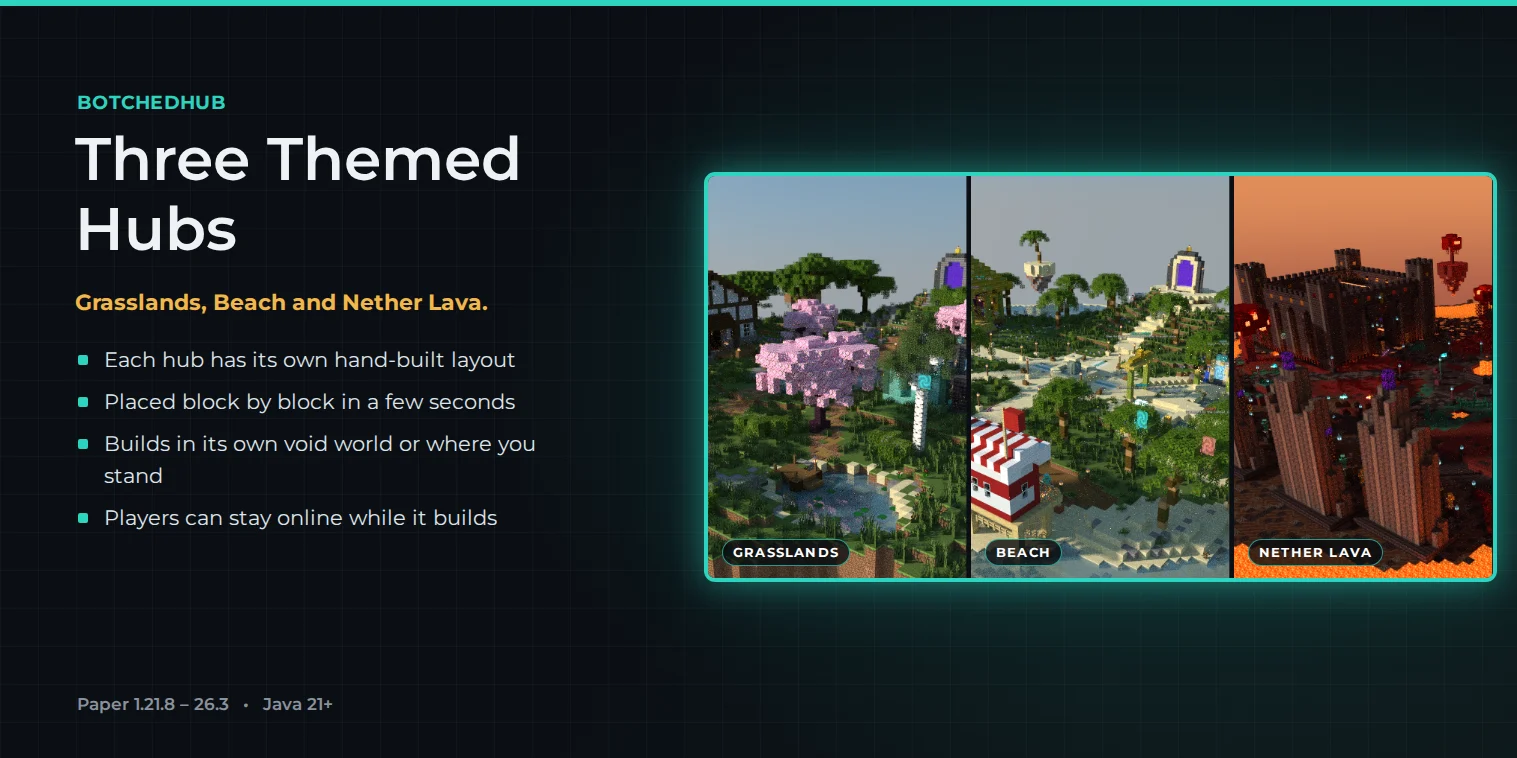
Three themed hubs
Grasslands, Beach and Nether Lava, each about 155 x 150 blocks with its own hand-built layout.
Island and skill gateways
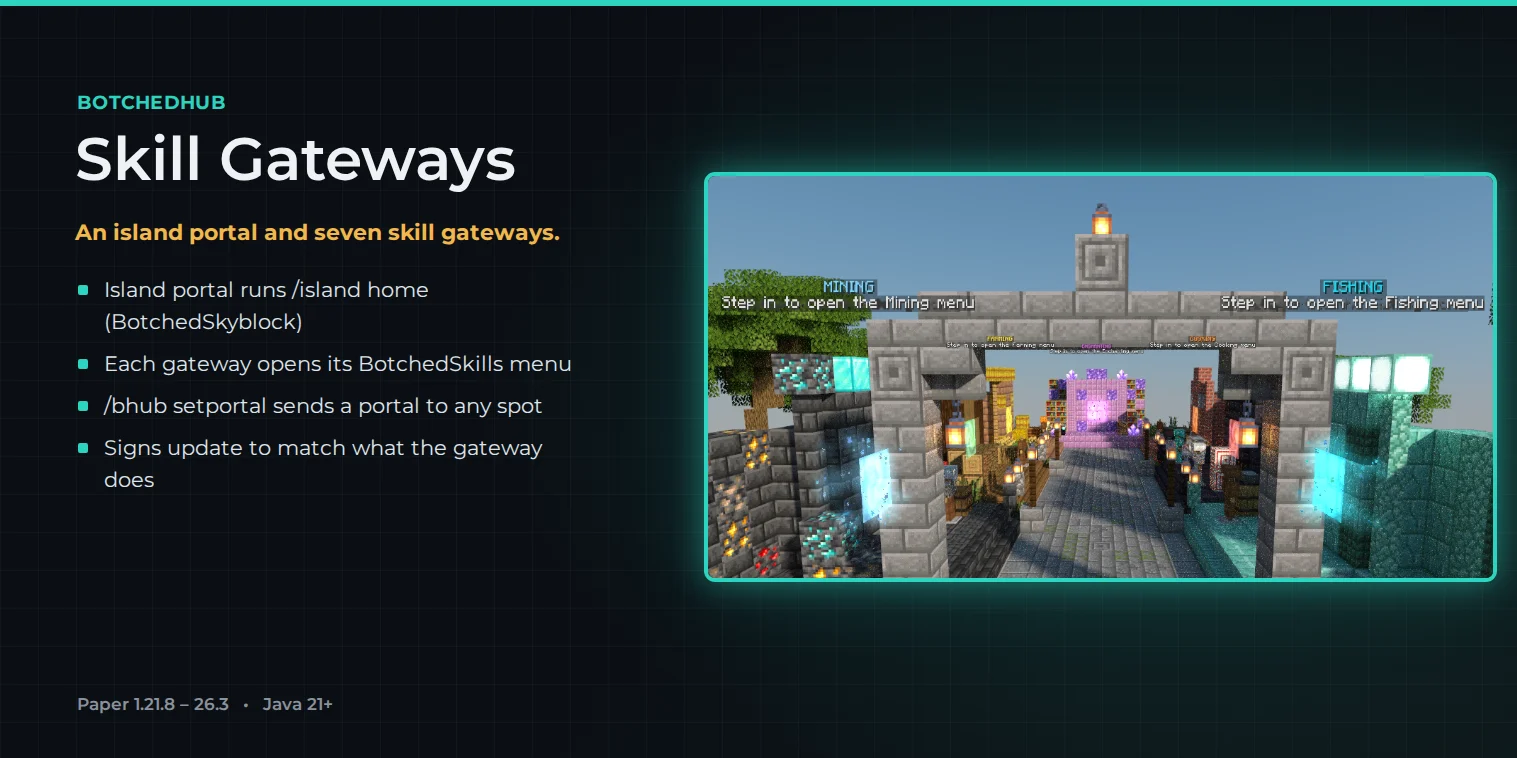
An island portal plus seven skill gateways that open each BotchedSkills menu or send players to a spot you choose.
Shop, crates and ranks
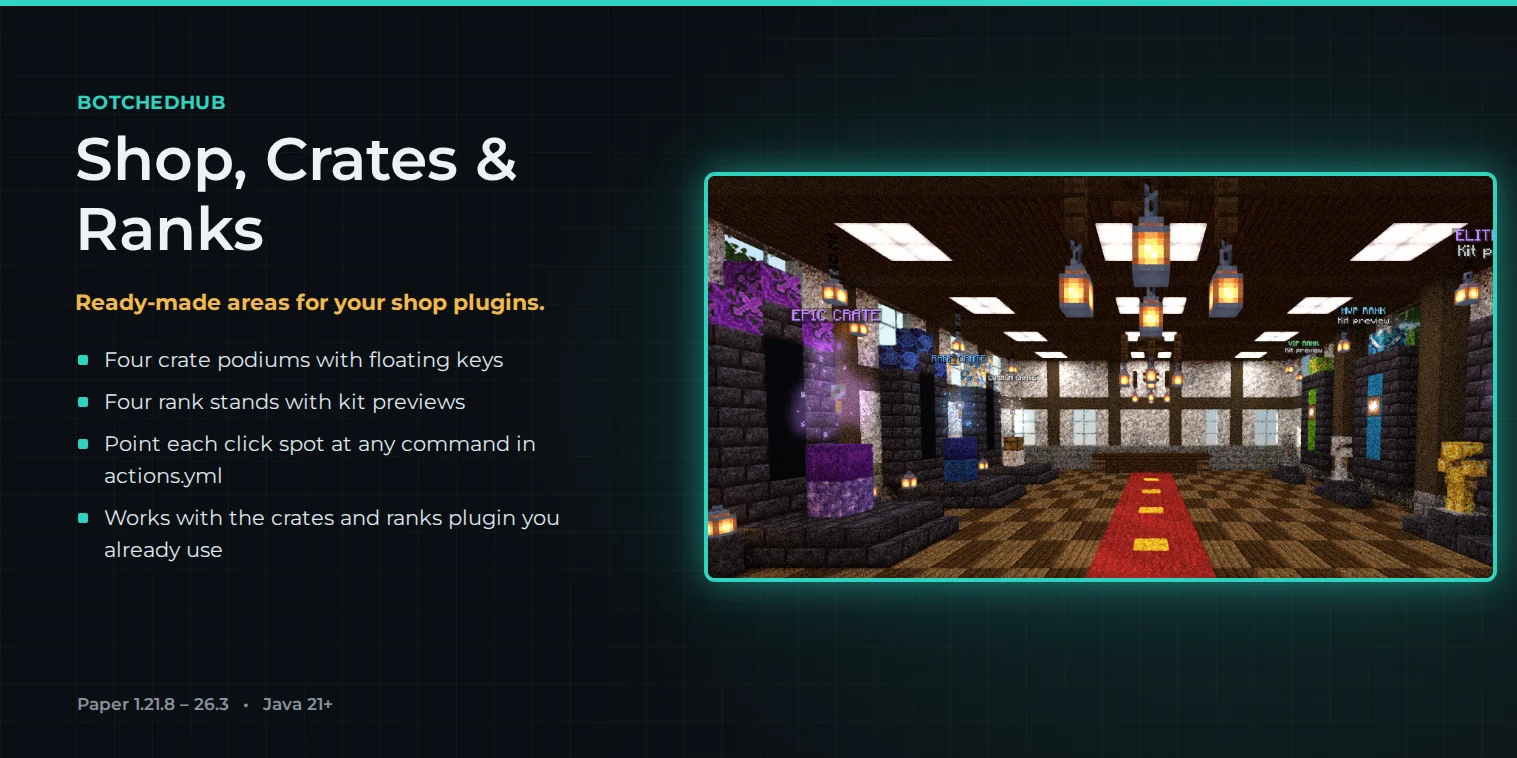
Crate and rank click spots you point at your own crates, ranks and kits plugin in `actions.yml`.
Live leaderboards
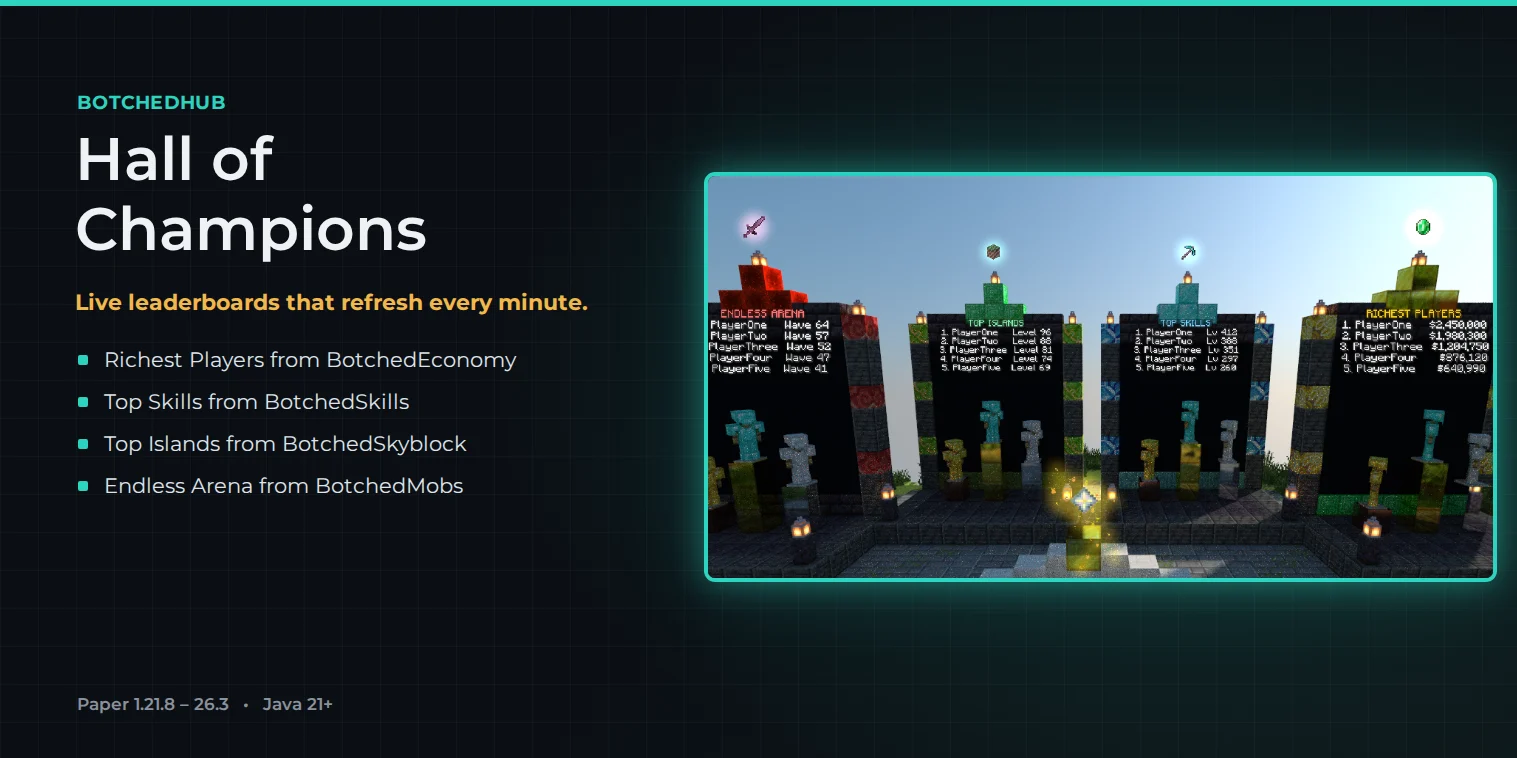
The Hall of Champions shows the richest players, top skills, top islands and the Endless Arena, refreshed every minute.
Features
- Three hand-built hubs: Grasslands, Beach and Nether Lava
- A Bank pavilion in every hub with a gateway to the bank or the BotchedZones Bank map
- Build a hub in its own void world, or right where you stand
- Placement is spread across ticks, so the server keeps running while it builds
- Island portal that runs
/island home(BotchedSkyblock) by default - Seven 2x2 skill gateways for mining, woodcutting, farming, fishing, combat, cooking and enchanting
- Point any portal at a location with
/bhub setportal, or switch it back with/bhub clearportal - Gateway signs match what the gateway does, and text you edit in
holograms.ymlis kept - Common, rare, epic and legendary crate spots, and vip, mvp, elite and legend rank stands
- Hall of Champions boards for BotchedEconomy, BotchedSkills, BotchedSkyblock and BotchedMobs, refreshed every 60 seconds
- Protected hubs: no building, block breaking, fire or damage, and no mob spawns
- Falling into the void or stepping in lava sends players back to the spawn
- Lava falls stay put, sand doesn’t fall and leaves don’t decay
- Set a default hub for
/huband new players, and take a hub down with/bhub remove <name> restore
Hub sizes
| Theme | Command id | Size |
|---|---|---|
| Grasslands | grasslands | 157 x 145 blocks, 92 tall |
| Beach | beach | 156 x 151 blocks, 105 tall |
| Nether Lava | nether | 155 x 151 blocks, 102 tall |
The spawn point sits 61 blocks above the bottom of each hub.
Commands
| Command | What it does |
|---|---|
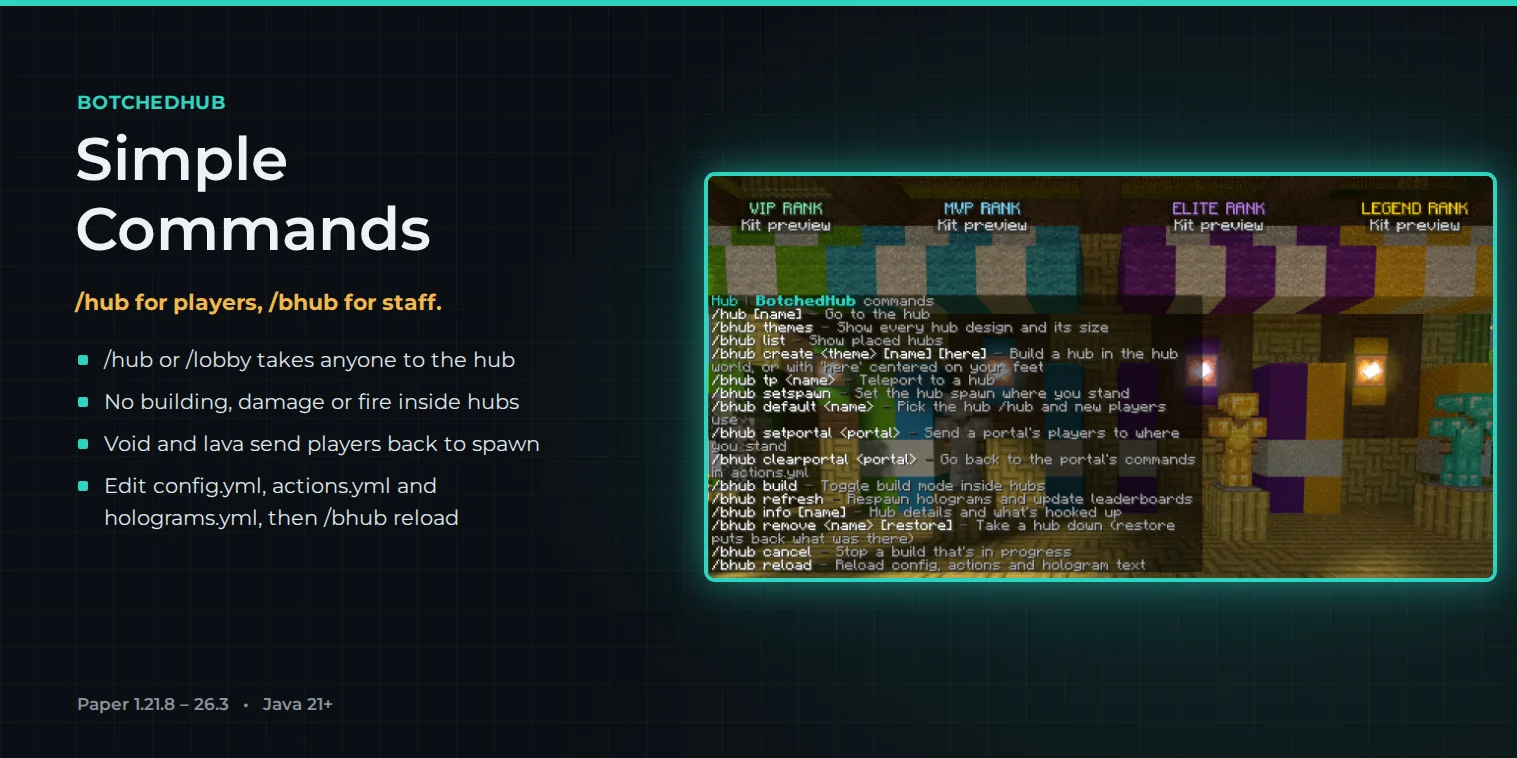
/hub [name] (/lobby) | Go to the hub |
/bhub themes | List the designs and their sizes |
| Command | What it does |
|---|---|
/bhub create <theme> | Build a hub in its own void world |
/bhub create <theme> <name> here | Build a hub where you stand. Your feet become the spawn |
/bhub default <name> | Set the hub that /hub and new players go to |
/bhub tp <name> | Teleport to any hub |
/bhub list, /bhub info [name] | See your hubs and their details |
/bhub setportal <portal> | Send a portal’s players to where you stand |
/bhub clearportal <portal> | Switch a portal back to its commands |
/bhub build | Turn build mode on or off inside hubs |
/bhub refresh | Refresh the holograms |
/bhub remove <name> restore | Take a hub down and put back what was there |
/bhub reload | Reload the config files |
| Permission | Default | Allows |
|---|---|---|
| botchedhub.use | Everyone | /hub, the portals and the click spots |
| botchedhub.staff | Ops | Teleport between hubs, hub info and refreshing holograms |
| botchedhub.build | Ops | /bhub build inside a hub |
| botchedhub.admin | Ops | Create, remove and configure hubs |
Get started
- Place BotchedHub-1.3.0.jar in your server’s plugins folder and restart.
- Run
/bhub create grasslands(orbeach, ornether). - Run
/bhub default <name>so/huband new players go there. - Point the crate and rank spots at your crates, ranks and kits plugin in
actions.yml. - Change the hologram text in
holograms.ymland protection inconfig.ymlif you like.
Crates, ranks and kits come from a separate plugin. BotchedHub provides the areas and click spots, for example "console: crates open {id} {player}".
Requirements
| Area | Support |
|---|---|
| Server software | Paper 1.21.8 through 26.3, one jar |
| Java | 21 or newer |
| Dependencies | None |
| Works with | BotchedEconomy, BotchedSkills, BotchedSkyblock and BotchedMobs (optional) |
Latest version
Buying the plugin gets you every version below, plus future updates. Sign in with Discord and they are always in My purchases.
The Bank pavilion
Works with Paper 1.21.8 – 26.3
- Every hub has a new gold-and-stone Bank pavilion north-west of the plaza, with a giant gold coin on the roof
- The Bank gateway inside opens the bank, or travels to the BotchedZones Bank map once it is installed
- Hubs placed with an older version get the pavilion added by themselves at startup. Turn it off with
placement.update-hubs: false
- Included with purchase
Earlier versions (2)
Eye-level signs and hub restore
Works with Paper 1.21.8 – 26.3
- Portal, rank and crate names now sit at head height in front of each portal and stand, so trees and roofs don’t hide them (
eye-levelin config.yml) /bhub remove <name> restoretakes a hub down and puts back what was there before it was placed- From 1.2.0: no hunger loss anywhere in the hub world, except inside combat zones like the arena (
protection.hunger-in-combat-zones) - From 1.1.0: player and staff guide books with
/guideor/bhub guide - From 1.0.4: item frames, paintings and armour stands in the hub are protected. 1.0.3 added PlaceholderAPI placeholders
- Included with purchase
Hubs stay after a restart on Paper 26.x
Works with Paper 1.21.8 – 26.3
- Fixed: on Paper 26.1 and newer the hubs disappeared after the first restart (
/hubsaid "No hub has been set up yet") - The hub world now loads for every built hub, on every version. Your hubs come back on the next start, exactly as they were
- Gateway signs say "Step in to open the Mining menu", and switch to "Step in to travel to the Mining zone" once a teleport is set
- Three hand-built hubs: Grasslands, Beach and Nether Lava
- Included with purchase
Screens
Three themed hubs