
What is AbyssalRealms?
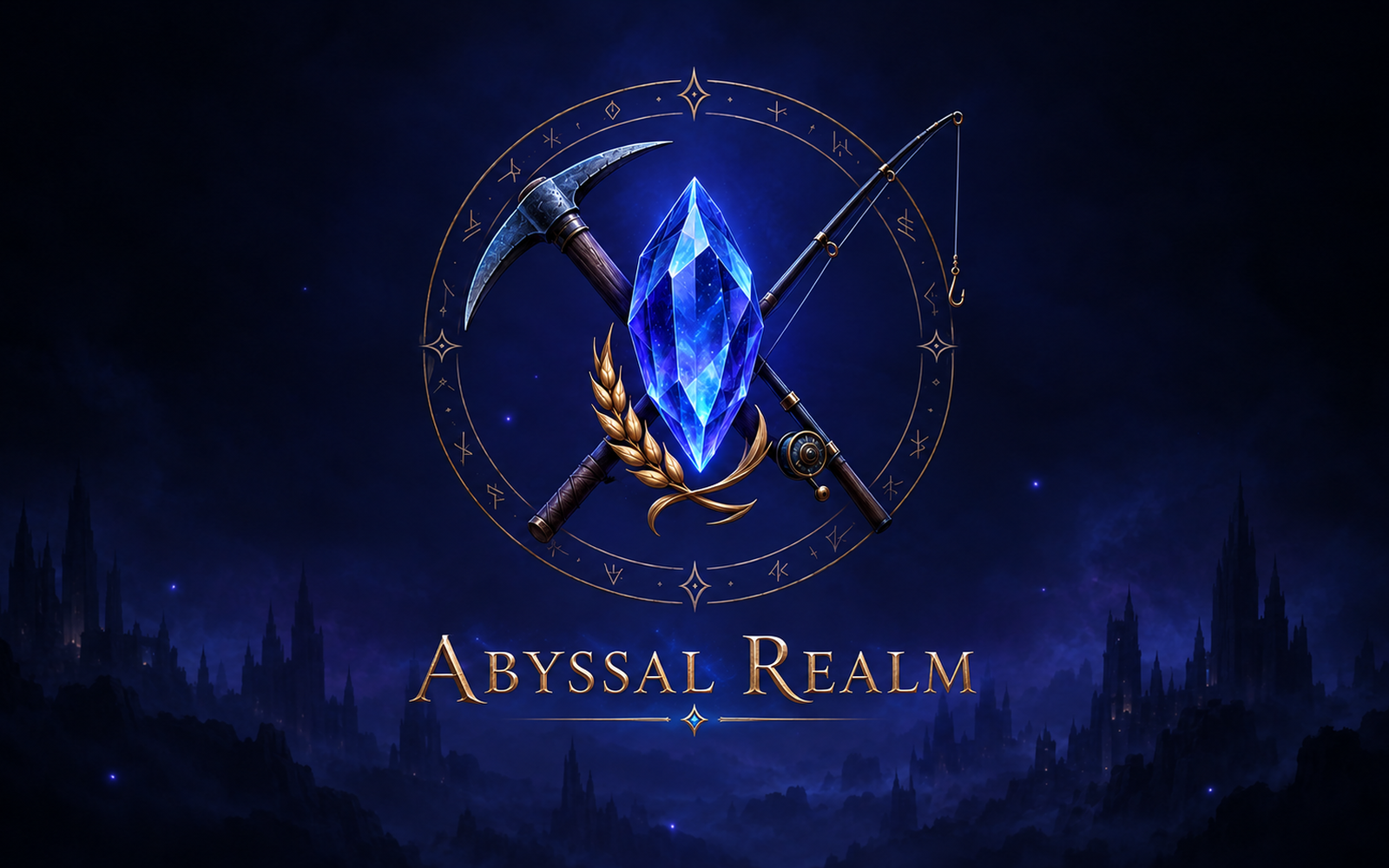
AbyssalRealms turns your server into a small fantasy world. Gather resources, earn Tanzin, and spend it on better tools, seeds, farm plots, and a bigger home. Then trade rare trinkets with other players and climb the leaderboards.
Almost everything happens through buttons and dropdown menus, so nobody has to memorize commands. Your character is tied to your Discord account, so your progress follows you to every server that runs AbyssalRealms.
What you can do
Mine with Brokk
Choose an unlocked floor, explore with buttons, break through barriers, and save materials to craft your next pickaxe.
Fish with Finn
Cast into new zones as your Fishing Level and rod improve. Sell your catch for Tanzin or store it for later.
Farm with Mara
Plant, water, and harvest crops that grow in real time, from Wheat to Moonberry, Emberpumpkin, and Abyssbloom.
Trade and compete
List rare trinkets on the Auction House, claim the daily Treasury reward, and compare progress on the leaderboard.
Your first journey
- Type
/realmin a channel where the bot is allowed. - Select Begin Journey and follow the introduction.
- Enter Abyssal Town, the hub for every activity and shop.
- Choose Mine, Fish, or Farm.
- Gather resources, earn skill XP, and sell your finds for Tanzin.
- Spend your earnings on equipment, seeds, farm plots, and home upgrades.
After the introduction, /realm always brings you back to town. /help opens the in-game guide.
Grow from 3 plots to 48 plants
Every farm starts with three plots that hold one plant each. Buy seeds at Mara’s Seed Shop, then plant one plot at a time or use Plant All Empty.
- Water crops to shorten their growth time. Timers run in real time, so check back and use Refresh.
- Ready crops wait in the field until you harvest them, even if your storage is full.
- Higher-level crops unlock as your Farming Level rises.
- Expand Farm adds plots, from 3 up to 12. Each plot needs Tanzin and the right Farming Level.
- Plot Upgrades raise each plot from 1 to 4 plants. A fully upgraded farm holds 48 plants at once.
- Sell harvests at Mara’s Crop Market with Sell 1, Sell Stack, or Sell All Crops.
Earn, spend, and trade
Tanzin
The in-game currency, shown in Copper, Silver, and Gold. You earn it by selling resources and crops. It has no real-world cash value.
Auction House
Fixed-price listings for rare trinkets. Sellers set a price in Copper Tanzin and keep 90%; 10% goes to the Treasury.
Treasury
Visit the Treasury to see its details and claim your Daily Reward when it’s available.
Home and storage
Your home holds your stored items. Upgrade it as your collection grows so you never run out of space.
Commands
Mining, fishing, the Auction House, the Treasury, and your home all open from the town buttons. These commands cover everything else.
| Command | What it does |
|---|---|
/realm | Start your adventure or return to town |
/help | Open the in-game guide |
/farm | Open your farm directly |
/profile | View your character’s progress |
/inventory | View your inventory and stored items |
/leaderboard | See the leading explorers |
/supporter | Check your Supporter XP perk |
/rates mining level:<1–500> | Base mining chances for a Mining Level |
/rates fishing zone:<zone> | Fishing chances and trinkets for a zone |
/rates trinkets | Published trinket rarity odds and locations |
| Command | What it does |
|---|---|
/channels add channel:<channel> | Allow gameplay in a channel |
/channels remove channel:<channel> | Remove a channel from the list |
/channels list | Show the allowed channels |
/channels clear | Remove all channel restrictions |
With no allowed channels set, the game works in every channel the bot can see. For a dedicated space, create a channel like #abyssalrealm and add it with /channels add.
How it’s made
AbyssalRealms is created and directed by Amber (Ragerlat101) at Botched Bots. AI has helped with coding, troubleshooting, suggestions, and artwork; Amber chooses the features, shapes the game’s direction, and tests and maintains the bot. Feedback and bug reports guide every update.